
Free SEO On Page Checker — Extract Meta Tags, Headings & Links Instantly
Free SEO on-page data extractor. Check any URL’s title, meta, H1-H6, canonical, Open Graph, and schema in seconds. No login.
Waseem Aijaz Personal Experience 2026:
This comes from my personal experience. As you may know, if you have used my other tools, I am a developer, and you can visit my About Us page if you want to read more details about my journey.
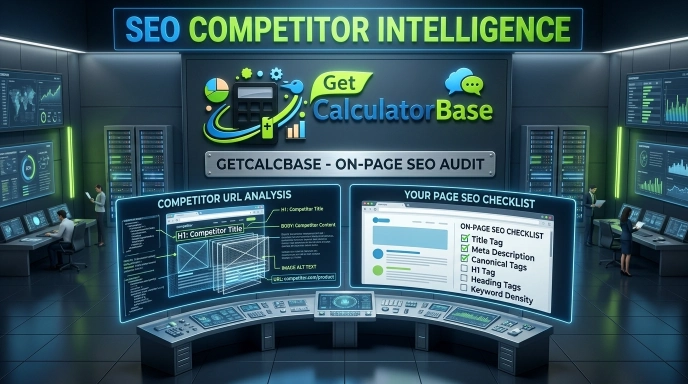
Back when I was focusing heavily on SEO, I used to face a massive challenge. A crucial part of SEO is analyzing your competitors’ data so you can figure out how to outrank them. Normally, visiting websites one by one and manually copying data was an incredibly time-consuming process. It wasted so much time, and I still couldn’t gather proper, structured content.
SEO Extractor Pro
Enter any page URL — extract Meta, Headings, Content, Images & Links instantly
Page: https://example.com/about · Domain: example.com
The real frustration hit when I came across some large websites that completely blocked me from copying their content. This made it impossible to analyze my competitors, see what was missing from my own data, and understand what specific details I needed to provide to make my website better for users.
Stuck with this problem, an idea came to my mind: why not build a tool that no one else in the SEO space has created yet? A unique tool with features that actually solve this exact problem for users. That is how I built the SEO Extractor.
This tool is honestly one of the absolute best utilities out there because it delivers all the required competitor data in just a single click. However, let me clarify that its purpose is entirely ethical. It is strictly meant for informational and research purposes, and no one should misuse it. It is designed solely to help you understand your competitors, not to create problems for anyone.
Using this tool, I easily found my competitors’ headings, analyzed their content, extracted their links, and discovered expert-level internal and external linking structures. The best part is that it even gives me an image option, allowing me to download images in my preferred format. On top of that, it gave me a massive breakdown of SEO semantic data for content creation and even highlighted the schema markup.
I honestly sometimes can’t believe I built this myself—it feels like a major achievement in my career. Please try it out, and let me know in the comments if I should improve it further or if there is anything missing so I can build the perfect solution for your problems!
Free SEO On Page Checker — Instantly Extract Meta Tags, Headings, Images & Links from Any URL
Here’s something most people don’t talk about enough: you can’t fix what you can’t see.
I’ve worked with websites that looked perfectly fine on the surface — clean design, good content, fast load times — but were quietly failing in search results because of invisible problems. Missing meta descriptions. Duplicate H1 tags. Broken internal links. Images with no alt text. Schema markup that was never indexed properly.
The only way to catch these issues is to actually look inside the page. And that’s exactly what this free SEO on page checker does.
Paste any URL. Click one button. Within seconds, you’ll see everything that’s happening beneath the surface of that page — the meta data, the full heading structure from H1 to H6, every paragraph of content, all images with their alt attributes, every internal and external link, and any Schema.org structured data blocks. You can copy everything, download it as PDF, CSV, ZIP, or JSON — whatever fits your workflow.
No login. No subscription. No data sent to any server. This runs entirely in your browser.
Where to Use These Professional Ideas?
Consider this a special gift from me to you—one that you will definitely thank me for once your business starts growing! Why? Because if you use this tool, you can instantly find your competitor’s image alt tags and analyze their schema markup. This allows you to create much better content for your own website by filling in the gaps and delivering what they are failing to provide.
Let me give you a golden piece of advice: find your competitor’s primary keywords, map out their semantic keyword clusters, understand their NLP (Natural Language Processing) usage, and target their weak points. If you implement this strategy on your website, I believe your site will start ranking within just a matter of days!
What Is an SEO On Page Checker and Why Do You Actually Need One?
An SEO on page checker is a tool that reads the HTML source of any webpage and surfaces the SEO-critical elements that search engines use to understand, index, and rank that page.
Think of it like an X-ray for a webpage. The user sees the finished page. The tool sees the bones underneath — the title tag, the canonical URL, the robots directives, the heading hierarchy, the alt attributes on images, the rel attributes on links, and the structured data blocks that tell Google what kind of content this page contains.
Most SEO problems are invisible to the naked eye. You can’t spot a missing canonical tag by looking at a page in a browser. You can’t see that an image has no alt text. You can’t tell that the H1 tag is actually being skipped and the page jumps straight to H2s — which confuses both users and search engines.
This free on page SEO checker makes all of that visible. And once you can see the problems, fixing them becomes straightforward.

What Does the GetCalcBase SEO Page Extractor Actually Extract?
Meta Tag Extraction — Title, Description, Canonical & More
The tool reads and displays:
- Meta Title — with character count and a green/yellow/red indicator based on optimal length (40–60 chars)
- Meta Description — with length scoring (ideal range: 100–160 chars)
- Canonical URL — so you can immediately see if a page is pointing search engines to the right version
- Robots directive — whether the page is set to index/follow, noindex, nofollow, or something custom
- Open Graph Image — the image that appears when the page is shared on social media
This alone makes it a powerful meta tag checker — you can audit any competitor’s page in seconds.
Website Heading Checker — Full H1 to H6 Structure
The heading structure of a page tells search engines how content is organized — what’s most important, what’s a sub-topic, what’s a detail. When headings are used incorrectly, it hurts both readability and SEO.
This website heading checker extracts every heading on the page from H1 through H6, displays them color-coded by level, and lets you copy them individually or all at once. You can instantly see:
- Whether there’s one H1 or multiple H1s (multiple H1s is a common mistake)
- Whether headings skip levels (jumping from H2 to H4 creates structural gaps)
- Which keywords appear in which headings
- How competitors structure their content
Content Extraction by Section
The tool extracts page content organized by heading sections. Every paragraph beneath each heading appears grouped together — which means you can read the actual page content without the visual noise of the design.
This is genuinely useful for competitor research. Instead of reading through a competitor’s page manually, you can extract all their content in one click, copy it into a document, and analyze what topics they’re covering that you’re not.
Website Image Downloader — All Images with Alt Text Audit
This is where the tool goes beyond what most on page SEO checker tools offer. It doesn’t just list image URLs — it:
- Shows a visual thumbnail grid of every image on the page
- Displays the alt attribute (or flags it as missing with a red badge)
- Shows image dimensions and format (JPG, PNG, WebP, SVG, AVIF)
- Lets you open any image in a full-screen lightbox
- Lets you download individual images in original format or convert them to JPEG, WebP, or PNG
- Lets you select multiple images and download them all in a ZIP archive
Missing alt text is one of the most consistently overlooked SEO issues. According to multiple on-page SEO audits, over 40% of images on average websites have no alt attribute — which means Google can’t understand what those images show. This tool makes the problem impossible to ignore.
Website Link Checker — Internal and External Links
The website link checker tab separates all links on the page into two categories:
Internal links — links that stay within the same domain. These show you the site’s internal linking structure, anchor text patterns, and which pages are being linked to most frequently.
External links — links pointing to other domains. These reveal what sources the page cites, whether there are any dofollow/nofollow patterns, and what kind of content the page references.
You can download the complete link list as a CSV file — which makes it easy to import into Excel or Google Sheets for bulk analysis, broken link checking, or competitor link auditing.
Schema Extractor — Extract Structured Data from Any URL
Schema markup is the structured data that helps Google understand what a page is about at a deeper level — whether it’s a product page, a recipe, an FAQ section, a how-to guide, an event, a person, or an organization. It’s what powers rich results in Google search.
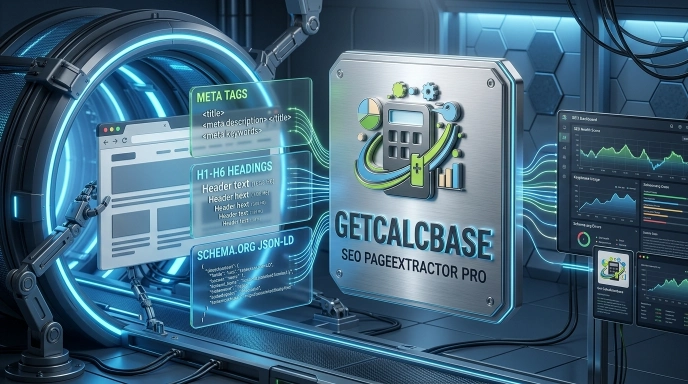
This schema extractor reads every application/ld+json block on the page and displays the raw JSON-LD code, formatted and copyable. You can see exactly what schema types a competitor is using — Article, FAQPage, BreadcrumbList, Product, Organization — and use that as a reference when implementing your own.
How to Use the SEO Page Extractor — Step by Step
Using this tool takes about ten seconds:
1
Step 1: Type or paste any URL into the input field. It can be a full page URL like https://example.com/blog/post-name or just a domain like example.com — the tool handles both.
2
Step 2: Click Extract Data. The tool fetches the page through a secure server-side request, parses the HTML, and organizes all data automatically.
3
Step 3: Browse the results across six tabs — Meta, Headings, Content, Images, Links, and Schema.
4
Step 4: Copy any data you need with the per-item copy buttons, or use the section-level copy buttons to grab everything at once.
5
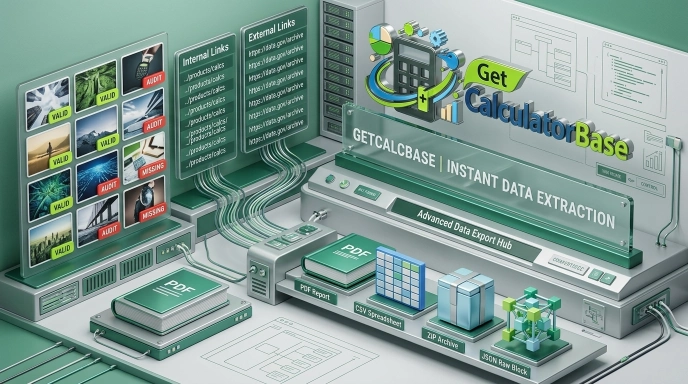
Step 5: Download your data. Choose from PDF report, CSV spreadsheet, ZIP archive with all data files, or raw JSON export.
That’s it. No account. No waiting. No paywall.
On Page SEO Checklist — Run This Every Time You Publish
- Meta title is 40–60 characters and includes the primary keyword
- Meta description is 100–160 characters and gives a compelling reason to click
- Canonical URL is set and points to the correct version of the page
- Robots directive is set to index, follow (not accidentally set to noindex)
- There is exactly one H1 tag on the page
- H1 contains the primary keyword naturally
- H2s cover the main topic sections logically
- H3s–H6s add depth without skipping levels
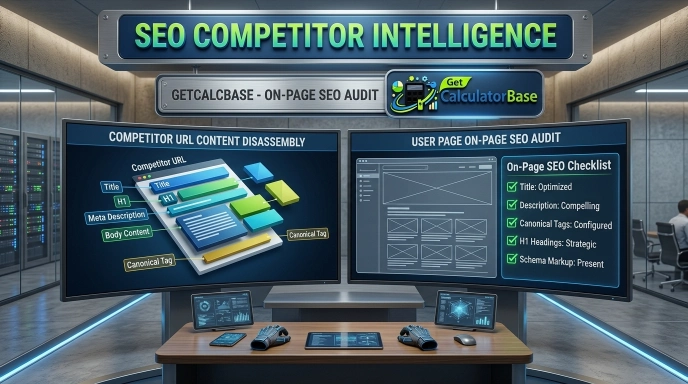
- Every image has a descriptive alt attribute
- Internal links use descriptive anchor text (not "click here")
- External links to authoritative sources are present where relevant
- Schema markup is implemented for the content type

Languages and technologies used: PHP (backend extraction), JavaScript (frontend rendering), DOMDocument/DOMXPath (HTML parsing), jsPDF (PDF generation), JSZip (ZIP archive creation).
Privacy: Zero data is stored. The extracted page data never touches a database. Your IP is rate-limited for abuse prevention but not logged or tracked. Everything is processed in real time and discarded immediately after the response is sent.
Who Built This Tool and How Does It Work Technically?
This tool was built as part of the GetCalcBase Developer Tools suite — a growing collection of free utilities for developers, SEOs, marketers, and content teams.
Technically, it works like this:
- Your URL is sent to a WordPress backend function using a secure AJAX request with nonce verification
- The PHP backend fetches the target page using
wp_remote_get()with a standard browser user-agent - The HTML response is parsed using PHP’s DOMDocument and DOMXPath — the same approach used by professional web crawlers
- The extracted data is returned as a JSON payload to the frontend
- The frontend JavaScript organizes and renders everything in real time — no page reload required
Comparison: GetCalcBase SEO Extractor vs. Other On Page SEO Tools
| Feature | GetCalcBase | Other Tools 1 | Other Tools 2 | Other Tools 3 | Other Tools 4 |
|---|---|---|---|---|---|
| Meta tag extraction | ✅ Full | ✅ Yes | ✅ Yes | ✅ Yes | ✅ Yes |
| H1–H6 heading checker | ✅ All levels | ✅ Yes | ✅ Yes | ✅ Yes | ✅ Yes |
| Raw content extraction | ✅ By section | ❌ No | ❌ No | ❌ No | ❌ No |
| Image downloader (ZIP) | ✅ Yes | ❌ No | ❌ No | ❌ No | ❌ No |
| Alt text audit per image | ✅ Visual grid | ⚠️ List only | ⚠️ List only | ⚠️ Limited | ❌ No |
| Internal + external links | ✅ Both + CSV | ✅ Yes | ✅ Yes | ✅ Yes | ❌ No |
| Schema JSON-LD extractor | ✅ Full JSON | ⚠️ Basic | ⚠️ Basic | ⚠️ Basic | ❌ No |
| PDF + CSV + ZIP + JSON export | ✅ All 4 | ⚠️ PDF only | ❌ No | ⚠️ Limited | ❌ No |
| No login required | ✅ Always | ❌ Signup | ❌ Signup | ❌ Signup | ❌ Signup |
| 100% free | ✅ Yes | ❌ Freemium | ❌ Freemium | ❌ Freemium | ❌ Freemium |
| Privacy (no data stored) | ✅ Zero storage | ❌ Stores data | ❌ Stores data | ❌ Stores data | ❌ Stores data |
Most tools in this space require a signup, limit how many URLs you can check per day, and store your query data. This tool doesn’t.
Key Benefits of Using a Free On Page SEO Checker
- 1. Competitor intelligence in seconds Instead of manually reading a competitor's page, extract their heading structure, content sections, and schema markup in one click. Understand their content strategy without guessing.
- 2. Catch technical SEO issues before Google does Missing canonical tags, duplicate H1s, images with no alt text, pages set to noindex accidentally — these are common mistakes that are easy to miss and expensive to ignore.
- 3. Better internal linking decisions See exactly which pages a piece of content links to internally, how the anchor text is written, and whether there are linking opportunities you've missed.
- 4. Content gap analysis Extract a competitor's full content structure and compare it against yours. Where are the sections they have that you don't? What subheadings are they targeting that you've missed?
- 5. Schema implementation reference If you're adding schema markup to your site, checking how well-ranking competitors implement their structured data gives you a practical template to work from.
Frequently Asked Questions (FAQs)
What is an SEO on page checker and how does it work?
An SEO on page checker reads the HTML of any webpage and extracts the elements that search engines use to understand and rank that page — meta title, description, canonical tag, robots directive, heading structure, image alt attributes, internal and external links, and structured data. This tool does all of that in a single scan by fetching the page server-side and parsing its DOM structure using professional-grade PHP libraries.
Is this meta tag checker really free with no login required?
Yes. There are no accounts, no trials, no paywalls, and no credit cards involved. Every feature — including PDF export, ZIP image download, CSV export, and JSON export — is completely free. The tool is rate-limited per IP address to prevent abuse, but there are no usage caps for normal use.
Can I use this as a website heading checker for competitor pages?
Absolutely. You can enter any publicly accessible URL — your own pages or competitor pages — and extract the full H1 through H6 heading structure. This is one of the most common use cases: understanding how well-ranking competitors organize their content so you can build a more comprehensive structure for your own pages.
How does the image downloader work and what formats does it support?
The tool scans the page for all <img> tags including lazy-loaded images with data-src and data-lazy-src attributes. It shows a visual thumbnail grid with alt text status for each image. You can download individual images in their original format, or convert them to JPEG, WebP, or PNG on the fly using Canvas. Selecting multiple images downloads them all as a ZIP archive.
What is schema extraction and why does it matter for SEO?
Schema markup is JSON-LD code embedded in a page’s HTML that tells search engines what type of content the page contains — a product, a recipe, an FAQ, an article, a person, an organization, and so on. Google uses this to generate rich results in search (star ratings, FAQ dropdowns, event dates, etc.). This tool extracts and displays every Schema.org block on any page, which helps you understand what structured data competitors are using and gives you a practical reference for implementing your own.
Does this tool work on JavaScript-heavy or dynamic websites?
The tool fetches pages server-side using a standard HTTP request, which means it reads the initial HTML response. Pages that load content exclusively through JavaScript after the initial load (SPAs built with React, Vue, or Angular, for example) may not return all their content in that initial response. For most standard websites — WordPress, Shopify, static HTML, and server-rendered pages — the tool works fully and accurately.
See Everything. Fix What Matters.
The biggest mistake people make with SEO is working from assumptions. They assume their meta description is set. They assume the page has one H1. They assume all images have alt text. They publish and move on.
Then three months later they wonder why the page isn’t ranking.
This free SEO on page checker removes the assumptions. In one scan, you see the meta data, the heading structure, the content organized by section, every image with its alt status, every link with its anchor text and rel attribute, and the complete schema markup. You can copy any piece of it, export all of it, and act on what you find immediately.
It’s the kind of tool that used to require an expensive subscription. Now it’s free, takes ten seconds to use, and requires nothing except a URL.
Run your first scan on your own homepage right now. You might be surprised by what you find.
Disclaimer & Trust Note
This tool is designed for informational, research, educational, and professional SEO use only. It is intended for analyzing publicly accessible webpages that you own, manage, or have permission to audit — as well as publicly available competitor pages for legitimate SEO research purposes.
Content, images, and data extracted from third-party websites may be protected by copyright. Always respect intellectual property rights. Do not use extracted content or images without proper authorization from the original rights holders.
For any questions about appropriate use, consult a qualified legal professional. The GetCalcBase team does not store extracted data, and all processing is performed in real time with no data retention. Linkedin
What the Get Calculator Base Community Says
Average Rating: 4.9/5 based on our beta users