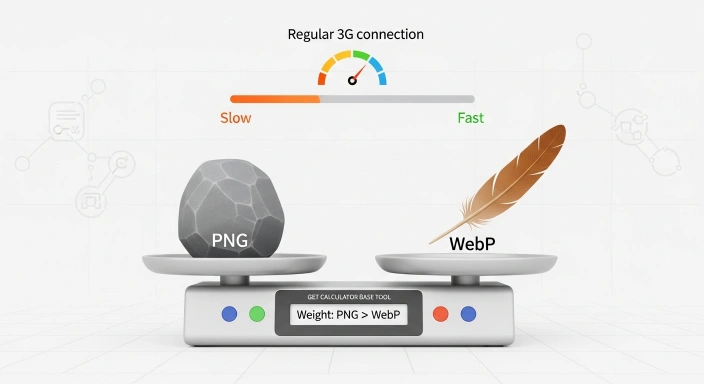

Password Generator: Create Random, Secure & Custom Passwords Free
Quick Answer: What Does This Password Generator Do? “This tool creates strong, random passwords using your browser’s built-in cryptographic security (Web Crypto API) — not basic, guessable math. Set your length, choose symbols and numbers, or add a custom keyword, and generate up to 20 unique passwords instantly. Everything runs locally, so nothing is ever sent to a server.”
In 2026, the digital world is a bit like the Wild West. With hackers using smarter AI to crack accounts, having a weak password is like leaving your front door wide open with a sign that says “Welcome.” Whether you are securing your Instagram, a crypto wallet, or your business email, you need a defense that doesn’t break.
Secure Bulk Password Generator
As a developer, I’ve seen how easily simple passwords get leaked. That’s why I built the Best Free Password Generator at GetCalcBase. I wanted to create a tool that is fast, impossible to guess, and—most importantly—100% private.
My Personal Experience: Why I Built This Tool for You
- I am a marketer, and I recently faced a serious problem with my account. I was doing YouTube and Google AdSense work, and I also created a client account for income generation. However, my account got hacked multiple times, and my income stopped. My clients also became unhappy, and I was very stressed, so I left my work for some time.
- The main issue was that whenever I set a password, it was getting compromised again and again. I could not understand what to do, and I was very worried about my accounts and business.
- Then I contacted a developer named Waseem Aijaz, who is the owner of the GCB (Get Calculator Base) website. He is very skilled and has created many useful tools. He listened to my problem and suggested a solution.
- After that, he and his team created a tool for me called the Password Generator Tool.
- This tool allows users to generate strong and secure passwords based on their preferences. It can also include brand names or custom patterns so the password becomes easy to remember but still very strong and secure.
- Since I started using this tool, my accounts have become more secure, and I have not faced any hacking issues again. My clients are also satisfied now, and my work is stable.
- Overall, this tool helped me solve a major security problem in my online business, and I am very thankful for it.
Expert Tips & Pro Ideas
- My important tip as a developer is that before generating a password, you should set some important settings in the tool.
- First, select a password length between 8 to 16 characters. You can also include a custom name or pattern if needed. Make sure all required checkboxes are enabled for strong password generation.
- After that, the strength indicator should be set to “Strong” (green color). You should select at least two security options to make the password more secure and reliable.
- This will help generate a strong and safe password for better security.
Step-by-Step: How to Use the Best Strong Password Generator
I designed this to be “One-Click Simple.” Here is how you get your secure keys:
Choose Your Complexity Level
First, pick how long you want your password to be. For 2026, I recommend 16 to 20 characters. Then, check the boxes for the characters you want to include (like Symbols or Numbers). You can even add a Custom Keyword (like “MyKey”) to the start of every password.
Generate and Secure Your Key
Hit the “Generate 20 Strong Passwords” button. You will instantly see a list of 20 unique options. Look for the “Strong” green badge for the best security. Once you find one you like, click the “Copy” button, and it’s ready to use!
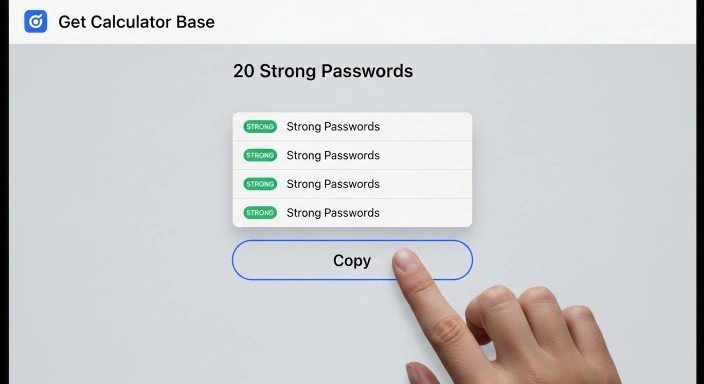
Strong Password Examples for Different Accounts
Examples for Social Media (Instagram/Facebook)
BlueMug-Quiet-Balcony-77!(Long and memorable)v@p0r!z3-cr!m$0n-pluck(Phrase with symbols)
Examples for Banking & Crypto Wallets
*k9#zP2&vQ!W5xR9L(High-entropy random string)QuartzKettle#82!Sphinx(Rare words mixed with symbols)
Why You Need a Strong Password Generator in 2026?
The era of using your pet’s name or your birth year is over. Modern “Brute-Force” attacks can test millions of combinations every second. If your password is under 8 characters, it can be cracked almost instantly. Using the Best Free Password Generator ensures that your keys are long, complex, and random enough to keep even the most persistent hackers away.
The "Bulk" Advantage: Why Generate 20 at Once?
Why settle for one password when you can have a list? The bulk feature of the Best Free Password Generator is designed for high-productivity users:
Setting Up a New Team: If you are a manager onboarding 10 new employees, you can generate 20 passwords in one click and assign unique, strong keys to everyone instantly.
Social Media Managers: If you manage 50 different Instagram or Twitter accounts, you need variety. Bulk generation ensures no two accounts have a similar pattern.
Database & Dev Work: Developers setting up staging environments or multiple database users need unique strings fast. Our tool saves you from hitting “Refresh” 20 times.
Technical Proof: The Power of Uint32Array
I didn’t build this tool using basic math. Most simple generators use Math.random(), which can actually be predicted by smart hacking scripts.
To ensure your safety, our Best Free Password Generator uses the Uint32Array logic within the Web Crypto API. This is a “Cryptographically Strong” method that taps into your computer’s hardware-level randomness. By using a 32-bit unsigned integer array, we ensure that every character generated is truly random and has zero predictable patterns. This is the same level of security used in high-end encryption software.
Password Generator Based on Keywords: How It Works
Want a password you can actually remember? Sometimes, a string of totally random gibberish is impossible to keep in your head. Our keyword-based mode solves this by letting you enter a base word (like your project, brand, or pet’s name) and then adds a layer of randomness around it.
For example, if you input labrador, the tool intelligently mixes it to become L@br@d0r#2026. This is much safer than just using a simple word because it injects symbols and numbers, making it immune to “dictionary attacks.” This approach is the perfect balance: it’s memorable enough that you won’t feel the temptation to write it on a sticky note, but secure enough to pass modern safety audits.
What Makes a Password Truly Secure? (2026 NIST Guide)
Security isn’t just about length; it’s about complexity that computers can’t guess. According to the latest NIST 2026 guidelines, a truly secure password must follow these rules:
Length: A minimum of 12 characters, though 16+ is highly recommended.
Variety: A perfect mix of uppercase, lowercase, numbers, and special symbols.
Uniqueness: Never reuse the same password across multiple sites.
Human-Proofing: Avoid dictionary words alone.
Management: Use a trusted password manager for storage rather than relying on your browser’s default memory.
If you are concerned about your site’s security, you should check if your site is exposing login pages — then secure those access points with strong passwords generated right here.
Key Features of GetCalcBase Password Tool
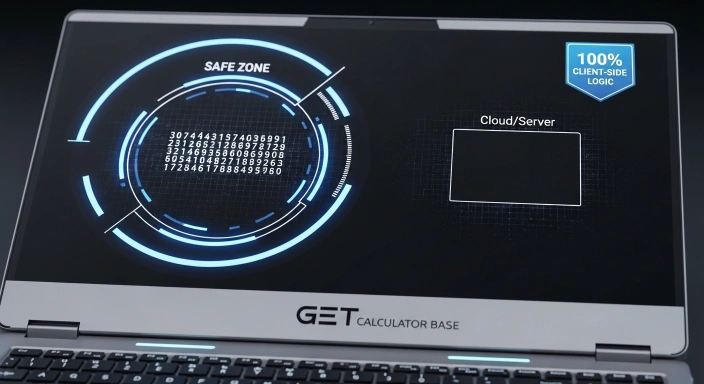
100% Private & Client-Side: This is my “Hard Decision” for security. Your passwords are never sent to our server. They are created inside your browser. Even I can’t see what you generated.
Customizable Length: You can generate passwords from 6 to 100 characters.
Mix of Symbols, Numbers, and Cases: Full control over ABC, abc, 123, and symbols.
Bulk Generation: Why create one when you can get 20 strong passwords at once?
Zero-Knowledge Architecture: Since nothing is stored, there is no database for hackers to steal from us.
How Our Best Online Password Generator Works?
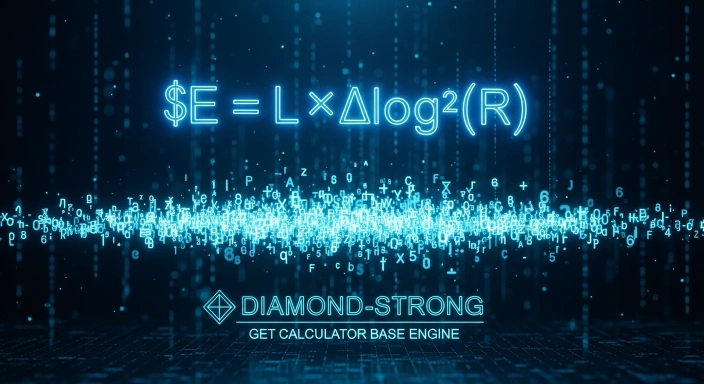
You might wonder, “How does a website create a random string of text?” It’s all about the Science of Randomness, also known as Entropy.
The Science of Randomness (Entropy & Security)
Our tool doesn’t just “pick” letters. It uses a Cryptographically Strong logic. Instead of standard math, it uses the Web Crypto API.
The formula for “Password Strength” (Entropy) is:
$E$: Entropy (The higher the number, the harder to crack).
$L$: Password Length.
$R$: Size of the character pool (Uppercase + Lowercase + Numbers + Symbols).
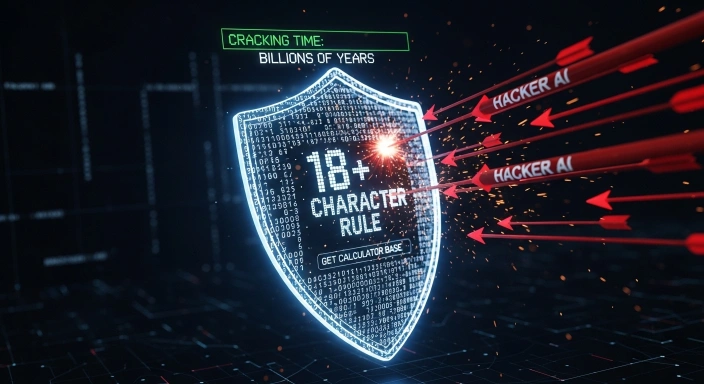
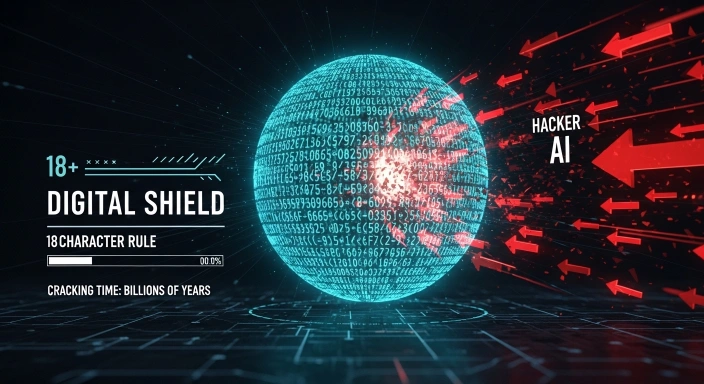
By increasing the length and the variety of characters, our Best Free Password Generator creates a key with such high entropy that it would take a supercomputer billions of years to guess it.
Best Practices for Password Security
- Avoid Keyboard Patterns: Don't use qwerty or 123456. Hackers check these first.
- Never Reuse Passwords: If your Facebook is hacked and you use the same password for your Bank, you are in big trouble.
- Use a Password Manager: Use tools like Bitwarden or 1Password to store the complex keys our Best Free Password Generator creates for you.
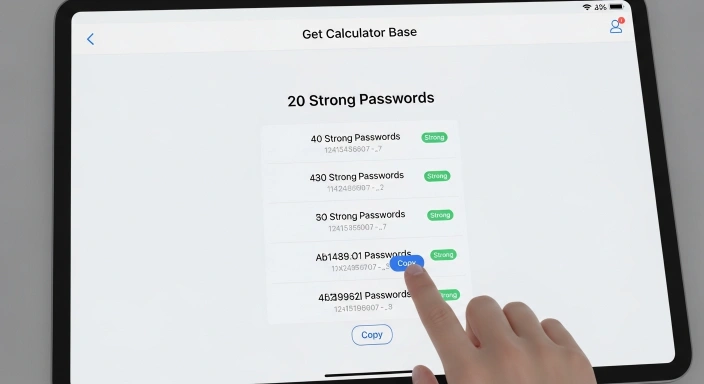
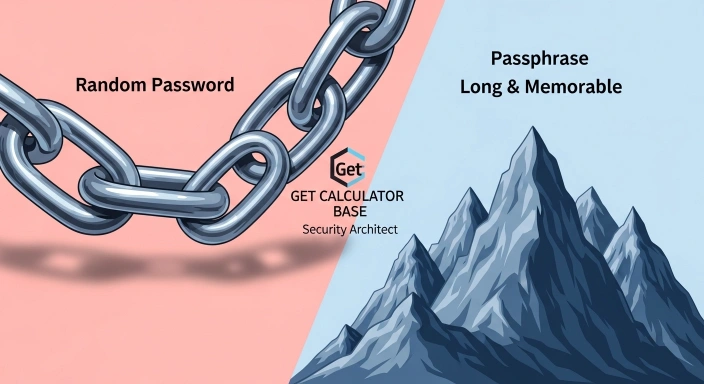
GetCalcBase vs. Browser Password Generators (Chrome & Safari)
Most people use the “Suggest Strong Password” feature in Chrome or Safari. While convenient, those tools have limits. Here is why our Best Free Password Generator is a better choice:
More Options, More Control: Browsers give you only one option. We give you 20 unique variations instantly.
Custom Keywords: Browsers don’t let you add a personal touch. With our tool, you can insert a custom word (like a brand or project name) into the secure string.
True Privacy: Browser-generated passwords are often synced to the cloud. Our tool is 100% offline-capable; once the page loads, you can turn off your internet and it will still work.
No “Lock-in”: You aren’t forced to use a specific browser ecosystem. You generate the key and save it wherever you want.
Quick Security Checklist (Why Our Tool is Safer)
- Zero Server Logs: No data ever leaves your computer.
- CSPRNG Protection: Uses high-level cryptographic randomness.
- Visual Strength Audit: Instant feedback on how hard your key is to crack.
- Bulk Speed: Generate dozens of keys in seconds, not minutes.
- No Hidden Trackers: We prioritize your security over data collection.
Password vs. Passphrase: Which One Should You Choose?
| Feature | Random Password | Memorable Passphrase |
| Example | x&72!PqL#9vN | blue-mountain-coffee-2026 |
| Security | Extreme (Hard to crack) | Very High (Longer length) |
| Memory | Hard (Needs a Manager) | Easier to remember |
| Best For | Banking, Crypto, Root Access | Daily Logins, Email |
Frequently Asked Questions (FAQs)
Is it safe to generate passwords online?
Yes, if the tool uses Client-Side Generation like ours. Since the math happens on your computer and not our server, it is 100% safe.
Can a strong password still be hacked?
A truly random 16-character password is nearly impossible to “guess.” However, you can still be hacked via “Phishing” (fake links). Always check the URL before typing your password!
How often should I update my passwords?
I recommend changing your most important passwords every 6 months, or immediately if you hear about a data breach on a site you use.
What is the best password length for 2026?
For maximum security, aim for 16 to 20 characters using a mix of all character types.
What is the easiest password to remember?
Passphrases like coffeeBeforeSunriseAlways are the easiest to remember while still staying very secure.
What is the 8-4 rule for passwords?
It means having at least 8 characters and using 4 types of characters: Uppercase, Lowercase, Numbers, and Symbols.
What are easily guessable passwords?
Names, birthdays, “123456,” “password,” and common dictionary words are the easiest for hackers to guess.
Conclusion: Start Protecting Your Digital Life Today
Your digital security starts with a single click. Don’t wait for a “Security Alert” email to take action. Use the Best Free Password Generator to create a wall of randomness around your data. At GetCalcBase, we are committed to providing professional, fast, and private tools to help you win the digital race.
Why GetCalcBase is Your Security Partner
Security goes beyond just one tool. Whether you are building a new application in our Developer Tools section or running a digital campaign, you need to stay ahead of threats. If you suspect your data might already be compromised, use our Data Breach Calculator to analyze your exposure risk. Remember, the best time to protect yourself with a strong password generator is before an attack happens, not after.
Disclaimer & Trust Note
Disclaimer: As the Lead Developer, I guarantee this tool runs 100% locally in your browser. However, we are not responsible for lost passwords. Please save your keys in a secure Password Manager. GetCalcBase does not store or track any data you generate. Website Developer Waseem Aijaz Linkedin
What the Get Calculator Base Community Says
Average Rating: 4.9/5 based on our beta users