
Data Storage Converter: Instant Digital Unit Conversion (MB, GB, TB)
Quick Answer: Enter any value to instantly convert between Decimal (SI: KB, MB, GB, TB) and Binary (IEC: KiB, MiB, GiB, TiB) storage units — see both side-by-side to understand why your “1TB” drive shows as 931GB in Windows.
Let’s be honest—digital storage units can be a total headache. Have you ever bought a massive 1TB hard drive only to plug it in and see Windows tell you it’s actually 931GB? It feels like you got cheated, right? Well, you didn’t. It’s just that humans and computers don’t count the same way.
Data Storage Converter 2026 GCB-Ready
High-speed conversion for 4K/8K media assets & cloud hosting.
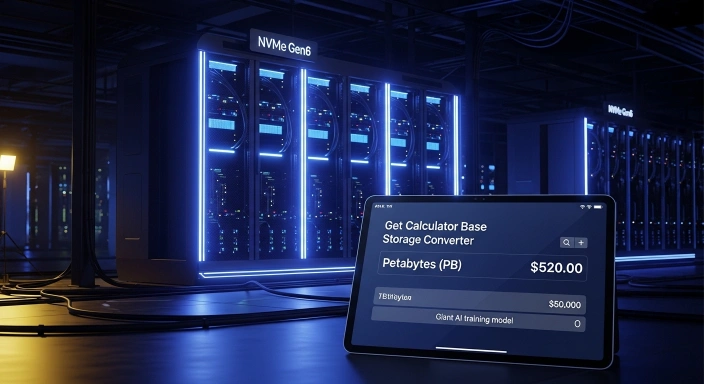
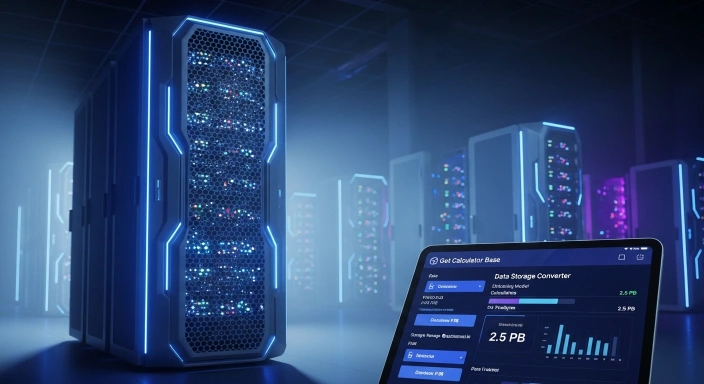
I built this Data Storage Converter because I was tired of the confusion between “box storage” and “real storage.” Whether you are a fellow developer setting up an NVMe Gen6 server or just someone trying to see if a 4K movie will fit on your USB stick, this Data Storage Converter is here to give you the honest, byte-level truth.
User example:
- My name is Rasal, and I was facing a problem related to computer studies. I needed to understand data storage units like MB, KB, GB, and TB, and how they convert into each other. I was confused about both decimal (SI) and binary (IEC) systems, such as GB vs GiB, TB vs TiB, and PB vs PiB.
- I was searching for a solution for a long time, but I could not find a clear and simple tool that could explain these conversions properly.
- Then I found a tool on Google from the GCB (Get Calculator Base) website called Data Storage Converter.
- This tool solved my problem completely. It clearly explained conversions like the following:
- 1 MB to GB
1 GB to TB
Decimal (SI) units
Binary (IEC) units - It showed results in a very simple and understandable way, which helped me learn the difference between all storage units easily.
- Since then, I have been using this tool regularly for my studies and computer-related work. It is very helpful, fast, and easy to use.
- I also appreciate the GCB website because it provides many useful tools and tips for learning and practical work.
Pro Tips for You:
The 5% Buffer: Always leave 5% to 10% of your SSD empty. If you fill it to 100%, the drive’s performance drops significantly.
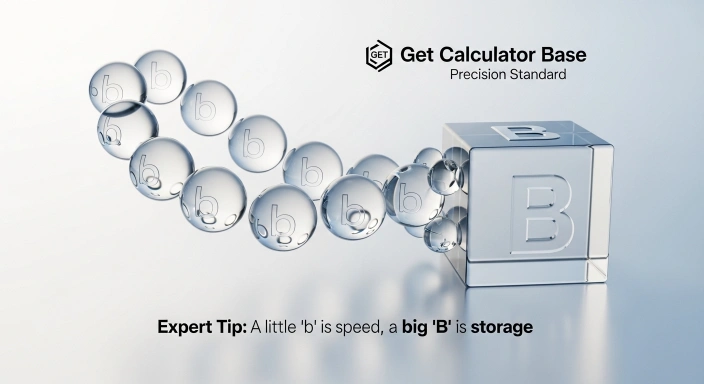
Networking vs. Storage: Remember, internet speed is in bits (small ‘b’), but your hard drive is in Bytes (capital ‘B’).
The “i” Matters: Whenever you see an “i” (like GiB), use the 1024 multiplier in this Data Storage Converter for 100% accuracy.
How to Convert Data Storage Units (Step-by-Step Guide)
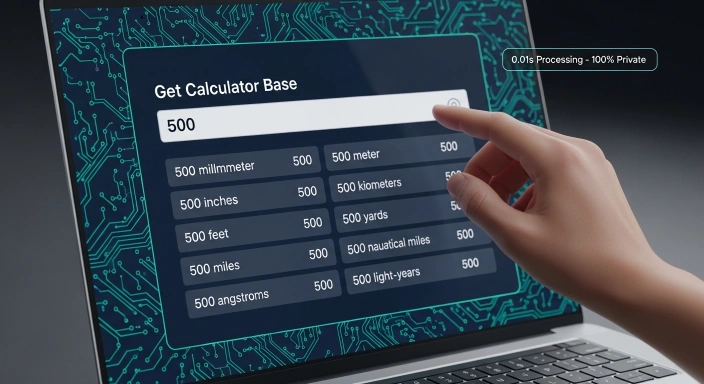
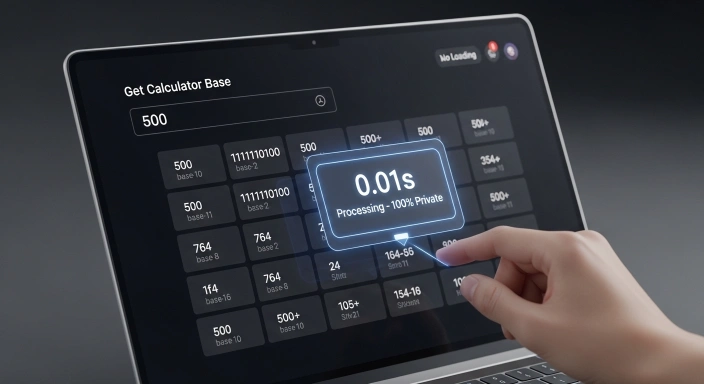
I wanted this Data Storage Converter to be lightning-fast, so I made sure it processes everything right in your browser. No waiting for a server to respond.
Punch in your number: Just type your value into the input box.
Pick your starting unit: Use the dropdown to tell the tool what you’re starting with (like MB).
No “Submit” button needed: This Data Storage Converter works in real-time. It calculates the moment you type a single digit.
Check the Grid: Look at the results below to see your data translated into every possible unit, from tiny bits to massive petabytes.
What is a Data Storage Unit Converter and Why Do You Need It?
Think of a Data Storage Converter as a universal translator for your digital life. It’s a tool that takes a value in one unit (like Megabytes) and explains it in another (like Gigabytes). In my years of coding, I’ve seen people overspend on cloud hosting plans just because they didn’t know how to convert their data correctly.
You’ll find yourself reaching for this Data Storage Converter when:
You’re setting up a new SSD and want to know why the partitions look small.
You’re trying to figure out if your home internet speed can actually handle 8K streaming.
You need to verify the usable space on a server before deploying a big database.
You’re comparing old-school magnetic drives with the latest flash technology.
Understanding the "From Units": What Can You Actually Convert?
Inside this tool, I’ve included every unit you’ll likely ever encounter. Here is a breakdown of what they mean and why I added them:
Bit (b): The absolute smallest atom of data. Usually used for internet speeds (Mbps).
Byte (B): 8 bits tied together. This is the standard unit for file sizes on your computer.
Kilobyte (KB) & Megabyte (MB): Used for small files like Word docs or MP3 songs.
Gigabyte (GB) & Terabyte (TB): The “Big Boys.” This is where most modern hard drives and game installs live.
Petabyte (PB): Massive scale. Think of a whole data center or a giant AI training model.
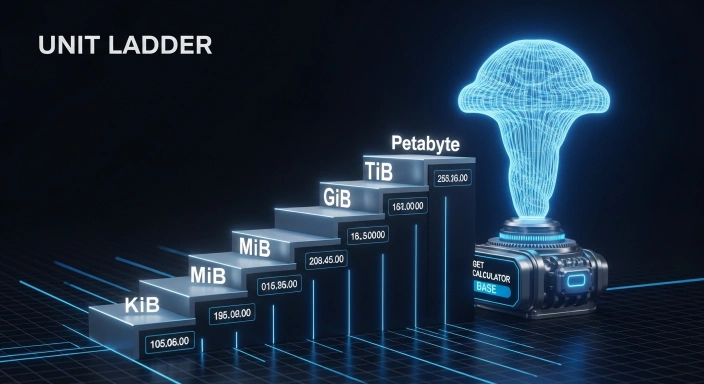
Binary Units (KiB, MiB, GiB, TiB, PiB): These are the “Real” units. While the world says “Kilo” is 1,000, your computer knows that in binary, it’s actually 1,024. I included these because they are what your Operating System actually uses to read your files.
How This Tool Works: The Engineering Formula
A lot of people ask me, “How does this tool calculate everything so fast?” As the lead developer, I can tell you that this Data Storage Converter doesn’t just guess; it uses two world-standard mathematical formulations:
The Decimal Formulation (SI Standard):
This is based on the power of 10. We use the multiplier 1,000.
Formula: $Value \times 1000^n$
Use Case: This is what manufacturers use for Hard Drives and SSDs.
The Binary Formulation (IEC Standard):
This is based on the power of 2. We use the multiplier 1,024.
Formula: $Value \times 1024^n$
Use Case: This is how Windows, Linux, and RAM modules calculate space.
By running these two formulas side-by-side, our Data Storage Converter gives you a 360-degree view of your data size.
The 1024 vs. 1000 Debate: Why Your Storage Looks "Smaller"
This is the secret sauce of this Data Storage Converter.
Manufacturers use Decimal (Base-10) because it makes the numbers look bigger on the box. To them, 1 Kilobyte is 1,000 Bytes. But your computer uses Binary (Base-2). To a machine, 1 Kilobyte is 1,024 Bytes.
When you use our Data Storage Converter, you can finally see both. This explains why that “500GB” drive seems to shrink the moment you plug it into a PC. The drive says 1,000, but the PC is looking for 1,024.
Benefits of Using GetCalcBase
Why use my tool instead of some corporate site?
- Total Privacy: I don't track your data. Everything stays on your screen.
- Expert Logic: I’ve used the same JEDEC and IEC standards that pro engineers use.
- Zero Wait Time: It’s optimized for 2026 speeds—blink and the results are there.
- It’s Free: No paywalls, no annoying "Pro" versions. Just a pure, helpful utility.
Why Does Windows Show Less Space?
This is the #1 reason people search for a Data Storage Converter. When you buy a 1TB drive, you’re getting 1,000,000,000,000 bytes. But Windows divides that by 1,024 three times over to find the Gigabytes.
That’s why you end up with 931 GB. It’s not a bug; it’s just binary math! My Data Storage Converter takes the guesswork out of this so you aren’t surprised when your new drive “loses” space.
Comprehensive Data Storage Conversion Table
I’ve put together this simple table so you can see the scale at a glance. It’s the logic I used to code this Data Storage Converter.
| Level | Symbol | Decimal (The Box) | Binary (The Reality) |
| Kilo | KB / KiB | 1,000 Bytes | 1,024 Bytes |
| Mega | MB / MiB | 1,000,000 Bytes | 1,048,576 Bytes |
| Giga | GB / GiB | 1,000,000,000 Bytes | 1,073,741,824 Bytes |
| Tera | TB / TiB | 1,000,000,000,000 Bytes | 1,099,511,627,776 Bytes |
Expert Checklist
- Check if you need Binary (1024) or Decimal (1000).
- Remember: 8 bits = 1 byte.
- Leave a small buffer for "System Overhead."
- Always use this Data Storage Converter before buying new cloud plans.
Common Mistakes to Watch Out For
- b vs B: A little 'b' is a bit (speed), a big 'B' is a byte (storage). Don't mix them up!
- Hidden Space: Your file system (NTFS/APFS) takes a small "tax" of about 3-5% for indexing.
- Picking the Standard: Buying a drive? Use Decimal. Buying RAM? Use Binary.
Frequently Asked Questions (FAQs)
How many GB are in a TB?
On a box, it’s 1,000 GB. Inside your computer, it’s actually 1,024 GiB.
What is the difference between GiB and GB?
GB is the standard metric (1,000), while GiB is the binary version (1,024) that software uses.
Is this Data Storage Converter safe to use?
Yes! All calculations are done locally in your browser. No data is sent to any server.
How much data is 1 Petabyte (PB)?
It’s 1,000 Terabytes. Think of it as a library with millions of books stored digitally.
Your Personal Base for Data Math
I built this Data Storage Converter to be the only tool you’ll ever need for digital math. My goal is to make tech less confusing and more transparent. By understanding how binary and decimal work together, you can manage your files and hardware like a pro.
Thanks for using my Data Storage Converter. If you liked it, check out my other tools here on GetCalcBase!
Disclaimer & Trust Note
Disclaimer: The GetCalcBase Data Storage Converter is designed for educational and professional estimation purposes. While we use industry-standard SI and IEC formulations to ensure maximum accuracy, digital storage can vary based on file system overhead (like NTFS, APFS, or FAT32) and manufacturer provisioning. We recommend using these results as a high-precision guide for your storage planning. Website developer Waseem Aijaz Linkedin
What Users Say
Average Rating: 4.9/5 based on our beta users