
Professional Email Generator: Business Name Ideas & Bulk Creator
Let’s be honest. Finding a decent email address today is a total nightmare. You finally think of a great username, type it into Gmail, and boom—that annoying red warning appears: “That username is taken.” Most people just give up at that point and add random strings of numbers like info@getcalcbase.com just to get it over with.
Email Address Generator
Generate precise, high-volume email datasets with custom logic.
But here is the catch—if you are applying for a high-paying job in the UK or reaching out to a big client in the USA, an email like that looks messy and unprofessional. It looks like a bot. That is exactly why I built the Bulk Email Address Generator here at GetCalcBase. I wanted a tool that doesn’t just guess, but actually builds professional, high-quality email ideas in bulk so you don’t have to waste your morning clicking “Try Again.”
My tip is that when creating emails or Gmail accounts, you should keep SEO-friendly practices in mind. Try to keep your email length between 30 and 50 characters. It should be clear and engaging.
Avoid using words like “free” or “urgent,” and do not use capital letters excessively, because this can send your email to spam.
This tool is free to use, and you should bookmark it for future use. It also allows you to create emails according to your own preferences and requirements.
Personal Experience:
I started working as a freelancer about 2 months ago. I wanted to earn money online, but I was facing a problem related to email creation. I needed professional-level emails for my work, but I was not able to generate them properly.
I tried many tools, but most of them did not match my brand style or requirements. Some tools were paid, and others were not giving the correct format. I was struggling and could not find a proper solution.
After some time, while searching on Google, I found a website called GCB (Get Calculator Base). At first, I thought it might be a paid or premium tool, like many other websites.
But when I visited it, I found a tool called Bulk Email Address Generator.
This tool was very helpful for me. It allowed me to create email addresses based on my brand identity. I could enter details like:
- User Identity
- Target Domain
- Suffix Pattern
- Quantity
After entering the information, the tool generated multiple unique email addresses for me automatically.
This was exactly what I needed for my freelance work. It saved me a lot of time and helped me organize my professional emails in a better way.
Now I can use these emails for my freelancing projects and client communication more professionally.
This tool really helped me in starting my freelancing journey, and I would recommend it to others who are working online or building a brand.
Where to Use These Professional Ideas?
Freelancers: Create niche-specific emails like info@getcalcbase.com.
Developers: Generate 100 dummy emails in one second to test your app’s signup forms.
Startups: Standardize your team’s emails (e.g.,
name.support@brand.com).Cold Outreach: Use clean aliases to protect your primary sender reputation.
Why You Need a Bulk Email Address Generator?
Your email is your digital handshake. It’s the very first thing people see before they even read your message. If it looks unprofessional, your message might end up in the bin.
Stop Fighting the "Username Taken" Error
Instead of guessing names one by one, our tool uses smart, logical patterns. It pairs your name with industry-standard words, giving you a massive list of unique options that are highly likely to be available right now.
Look Like a Pro, Not a Bot
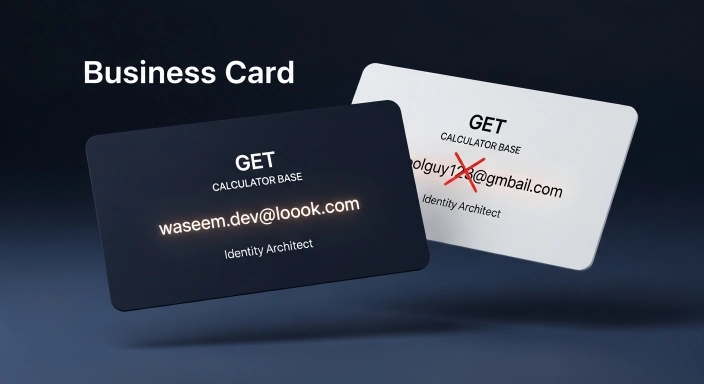
Think about it. Who would you trust more? coolguy123@outlook.com or waseem.dev@outlook.com? The second one looks like a business. Our tool helps you find those “clean” combinations that usually take hours to brainstorm manually.

How the Tool Works (The Logic Behind the Magic)
I didn’t just throw this together; there is a proper mathematical formula behind the results.
The Technical Formula
The tool uses a JavaScript Loop Logic. When you pick a “Pro Set,” the code pulls from a specific professional array I created (like .pro, .dev, .expert). It then merges these with your keyword. To make sure you get a “Bulk” list without duplicates, I added a Mathematical Index Buffer. This ensures that even if you generate 100 emails, each one has a unique logical ending.
Step-by-Step Guide:
User Identity: Enter your name or brand name (e.g.,
Waseem).Domain Suite: Pick where you want the email (Gmail, Outlook, Yahoo, etc.).
Pattern Selection: This is the best part. Pick “Pro Set” for work, “Geo Set” if you want to sound local to the UK/USA, or “Creative” for social media.
Quantity: Choose how many ideas you want (up to 100).
Generate & Copy: Hit the button, find the one you love, and click the instant COPY button.
Professional Email Address Ideas With Examples
If you are unsure which format to choose, you can follow these standard professional email structures. These formats look clean, establish credibility, and make a great impression on recruiters and clients alike:
Personal Professional Formats
First Name + Last Name: first.last@domain.com
Example: waseem.aijaz@gmail.com
Last Name + First Name: last.first@domain.com
Example: aijaz.waseem@outlook.com
Initial + Last Name: initial.last@domain.com
Example: w.aijaz@domain.com
Name + Profession/Niche: name.profession@domain.com
Example: waseem.dev@outlook.com
Business & Company Email Formats
If you are setting up general email addresses for your company, website, or startup, these role-based combinations work best to build trust:
General Inquiries: info@yourcompany.com (Best for general questions and initial contact)
Customer Assistance: support@yourcompany.com (Best for technical issues, customer care, or help desks)
Friendly Outreach: hello@yourcompany.com (Perfect for marketing, partnerships, and a welcoming brand tone)
Sales & Services: sales@yourcompany.com (Ideal for business deals, quotes, and client acquisition)
My Story: Why I Decided to Code This Tool
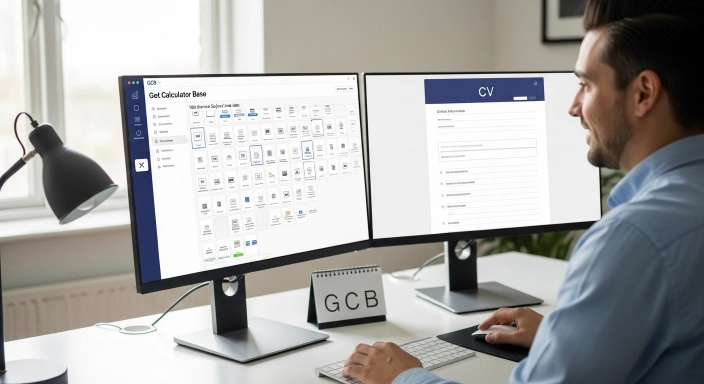
As a WordPress developer and SEO specialist, I’m constantly setting up new projects and outreach campaigns. A few months back, I was trying to register a few professional emails for a new site. I spent nearly 45 minutes just trying different combinations. It was a total waste of time and energy.
I looked around for a tool that could give me a bunch of professional ideas at once, but most of them were full of ads or asked for my personal info just to see the results.
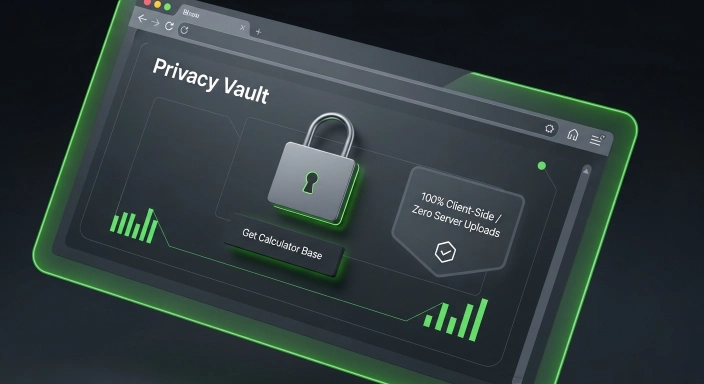
So, I sat down and coded this “Email Architect” myself. I didn’t want any server-side tracking. I made a hard rule: Privacy First. This tool runs entirely in your browser. Whatever you type stays on your screen. No data is ever sent to my servers. It’s 100% private, 100% secure, and 100% free for everyone.
Where Can You Actually Use These Emails?
- For Freelancers: Create niche emails like yourname.seo@gmail.com to build authority.
- For Software Developers: Need 100 dummy emails to test your app's signup form? This tool does it in one second.
- For Cold Email Marketers: Setup multiple outreach aliases (e.g., hello.brand@domain.com) to protect your main sender reputation.
- For Startups: Standardize your team’s emails (e.g., name.support@company.com).
The Anatomy of a High-Converting Email Address
When I was coding this generator, I didn’t just pick random words. I looked at the RFC 5322 standards (the global rules for email) and combined them with modern marketing psychology. For a professional in the USA or UK, your email should follow one of these three logical structures:
The “Authority” Structure:
[Firstname].[Industry]@[domain].comExample:
waseem.seo@gmail.comWhy it works: It tells the recipient exactly who you are and what you do before they even open the mail.
The “Minimalist” Structure:
[Initial][Lastname]@[domain].comExample:
waijaz@getcalcbase.comWhy it works: It’s short, punchy, and fits perfectly on a premium business card.
The “Availability” Hack:
[Name].[Location]@[domain].comExample:
waseem.uk@outlook.comWhy it works: Localized emails build instant trust with local clients.


Comparison: Why Use GetCalcBase?
| Feature | Using Our Tool | Manual Brainstorming |
| Speed | 100 Ideas in 1 Second | 15+ Minutes for 5 ideas |
| Availability | High Probability | Mostly “Taken” |
| Logic | Industry Patterns | Random Numbers |
| Privacy | 100% Safe (Client-Side) | Search history is tracked |
Key Features of the GetCalcBase Email Architect
- Zero Server Uploads: Unlike other tools, your data stays in your browser. Your privacy is locked.
- No Login Needed: I hate signups as much as you do. Just open the page and start generating.
- 1-Click Copy: Every result has a dedicated copy button for maximum speed.
- Custom Domain Support: If you have your own website, you can input your domain to see how it looks.
Frequently Asked Questions (FAQs)
Is this email generator really free?
Yes, 100% free. No hidden costs, no premium plans. Use it as much as you like.
Do I have to sign up to use it?
No. No email, no password, no login required. Just click and generate.
Will these ideas work on Gmail and Outlook?
Yes, the naming patterns we use are fully compatible with all major email providers.
What does "Client-Side Privacy" mean?
It means the tool runs on your computer, not our server. Your data never leaves your device.
Can I generate 100 emails at once?
Yes! You can set the quantity up to 100 and get a massive list to choose from instantly.
Conclusion: Secure Your Digital Identity Today
Your email address is your digital home. Don’t live in a house with a messy, numbered address. Use the GetCalcBase Bulk Email Address Generator to find something you are proud to put on a business card or a CV. It’s fast, it’s private, and it’s free. Give it a spin and secure your professional name before someone else snatches it!
Whether you’re sending outreach emails for link building, guest posting, or business partnerships, the destination page should be fully optimized before you start your campaign. Reviewing the page with our Free SEO On-Page Checker helps identify common on-page SEO issues so your website is better prepared to receive and convert new visitors from email marketing efforts.
Disclaimer & Trust Note
At GetCalcBase, I believe in absolute transparency. This tool is built using local browser scripts. We do not track what you type, and we don’t save your lists. It’s a safe, expert-verified space for you to build your digital brand. Website Developer Waseem Aijaz Linkedin
What the Get Calculator Base Community Says
Average Rating: 4.9/5 based on our beta users